Passport, visa & exam photo maker, photo resizer
Make passport and visa photos for 72 official sizes, or resize any image to the exact pixels, cm and KB an online form asks for. Your photos are never stored.
- Exact pixels, DPI and file size
- AI background to white in one click
- 4×6 print sheet for any photo kiosk
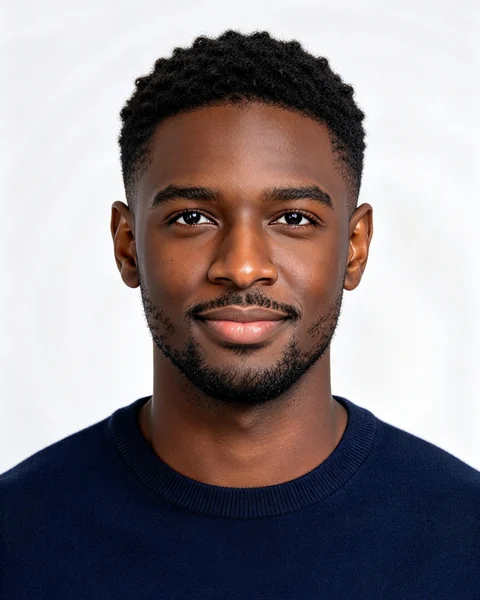
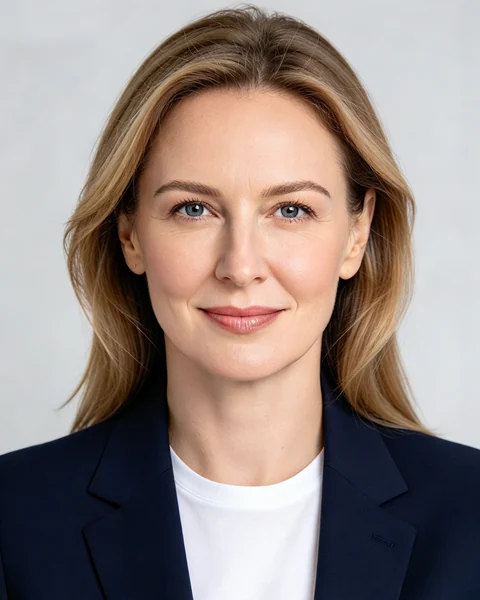

Make your photo now
Pick the document, drop a photo, line up your face and download. Your photo is never stored.
Popular photo sizes
Requirements are filled in for you: pixels, print size, DPI, file size and background colour.
 United StatesUS Passport Photo2 × 2 in (51 × 51 mm)IndiaPassport Size Photo (35 × 45 mm)3.5 × 4.5 cm (1.38 × 1.77 in)
 United StatesUS Visa Photo (DS-160)600 × 600 px, 2 × 2 inUnited KingdomUK Passport Photo35 × 45 mm, at least 600 × 750 pxSchengen / EuropeSchengen Visa Photo35 × 45 mm
 IndiaSSC Photo3.5 × 4.5 cm, 20–50 KB
Photo tools for online forms
Exam portals, job sites and visa forms all reject photos for the same reasons: wrong size, too many KB, wrong format.
 Passport photo maker2×2 in, 35×45 mm and visa sizes with the right background
 Compress to KBShrink a photo to 20 KB, 50 KB, 100 KB or any size
 Resize to 20 KBUnder 20 KB for exam and job formsResize to 50 KBUnder 50 KB for application photosResize to 100 KBUnder 100 KB with sharp detailResize to 200 KBUnder 200 KB for documents and visas
 Resize imageExact pixels, cm, mm or inches
 Change backgroundWhite, blue, red or any colour with AI
 Change DPISet 300 DPI or any value without resampling
 Convert to JPGPNG, WebP to JPG — or the other way round
Quick photo edits
Invert colours, go black and white, blur, flip, crop into a circle, brighten or pick a colour — free, right in your browser.
 Invert imageTurn a photo into its colour negative
 Black and whiteConvert a colour photo to grayscale
 Blur imageSoften or blur a whole picture
 Flip imageMirror or rotate a photo
 Circle cropRound picture with transparent corners
 Brighten imageLighten a dark photo or darken a bright one
 Color pickerHEX, RGB and HSL from any pixel
Questions
Is Picwright free?
Resizing, compressing to KB, DPI, format and background tools are free with no watermark. Passport, visa and ID photos are free to make and preview; the HD download with a print sheet is a one-time payment. Exam photos stay free.
Are my photos uploaded or stored?
Never stored. Resizing, compression and the photo edits run inside your browser. For face positioning and AI background removal, a reduced copy is sent to our server, processed in memory and discarded immediately.
Can I take a passport photo at home?
For most documents, yes: stand in front of a plain wall with even light, have someone take the photo at eye level, then use Picwright to crop it to size and clean up the background. Some countries, like the UK, do not accept selfies.
How do I print passport photos?
Download the 4×6 inch print sheet and order a normal 4×6 print at a drugstore, supermarket kiosk or online photo service. Cut along the thin guide lines.
My form says the photo must be 20–50 KB. Can Picwright do that?
Yes. Exam presets like SSC already use 20–50 KB, and the Compress to KB tool lets you set any minimum and maximum.